
Seafarer's Electronic Cabinet
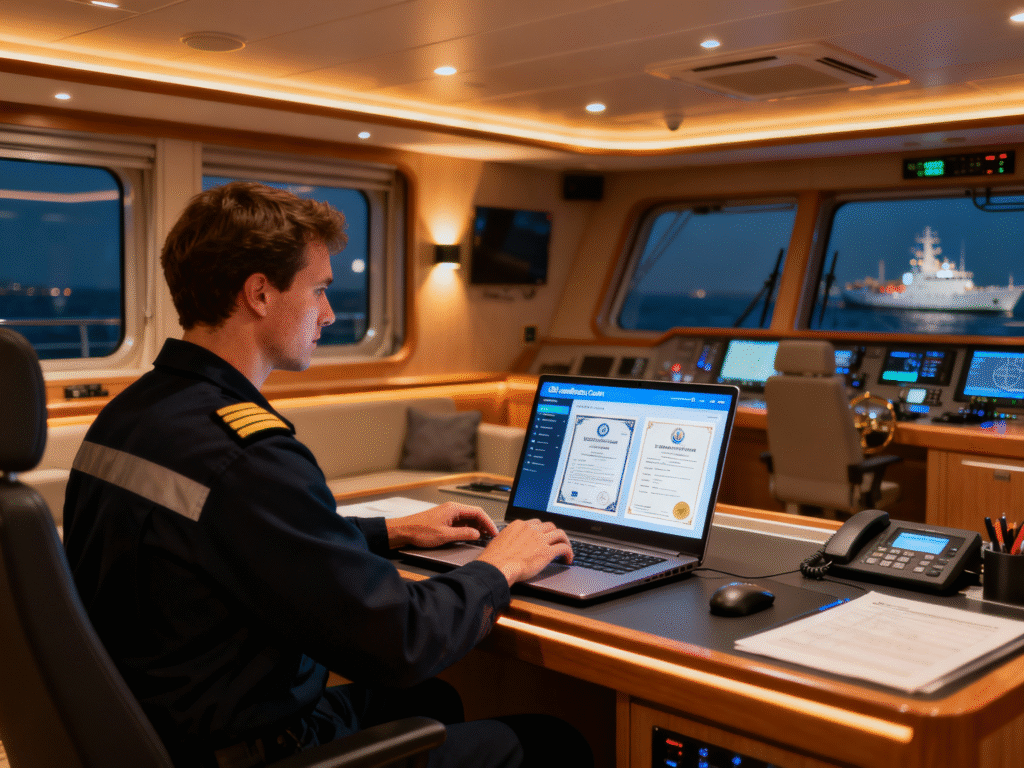
Seafarer's e-room is a specialized online platform or system designed for managing professional documents, certificates, and other important information related to a career in the maritime industry. The personal cabinet is accessible to only one user, as during registration you provide your passport number and series, identification code, and phone number. All data is verified, and only after that the electronic cabinet functions become available.
List of Required Documents for Registration
To register in the seafarer's electronic cabinet, you will need the following documents:
- Ukrainian citizen's passport
- Identification code
- Electronic key, which can be obtained at any bank
Legal Force of Documents
All documents in the seafarer's personal cabinet have full legal force and are equivalent to originals, which allows you not to take original documents with you.
How to Get Access to the Seafarer's Electronic Cabinet?
Step 1: Install Application or Go to Website
Go to the website or download and install the "Seafarer's Cabinet" application on Android or iOS platform.
Step 2: Registration
Your personal data will be required: full name, phone, date of birth, email address, screenshots of passport, code, and other documents.
Step 3: Authorization
After confirmation of your application and verification of the entered data, you will receive a message with login and password for system access by email or phone. Log in.
Step 4: Document Upload
Upload the necessary documents to the cabinet. All program functionality is available to you.
Why Do You Need a Seafarer's Electronic Cabinet?
The seafarer's electronic cabinet has several purposes and objectives that contribute to the convenience and efficiency of the seafarer's work, as well as facilitate communication and information exchange between the seafarer and the employer. The seafarer's electronic cabinet has wide functionality and provides:
- Centralized access to all documents in electronic form (passport, TIN, foreign passport, medical insurance, service books, education diplomas, certificates, etc.)
- Ability to submit documents for verification, confirm obtained service
- Ability to apply for a seafarer's service book, working diploma with confirmation, submit an application for DCC exam, seafarer's passport, etc.
- Ability to pay for government services
- Access to all submitted applications for documents, professional development courses, DCC exam application, service addition, etc.
- Available notifications about the status of your applications and documents, valid certificate terms
- Update your personal data in the electronic cabinet, which allows ensuring information relevance and simplifying communication with the employer
- Using a QR code, you can verify the legitimacy of certificates and issued documents
- Ability to download documents and use them offline
- Remote access to documents
Who Can Add Documents to the Seafarer's Electronic Cabinet?
Documents can be added to your seafarer's electronic cabinet by:
- Employer - contracts, sailing orders, work reports, shift schedules, and other documents necessary for your work on the vessel
- Seafarer Recruitment Agency - documents related to your employment and work on the vessel
- You Yourself - personal certificates, diplomas, medical certificates, and other documents that may be useful for your career
- Seafarer Recruitment Agency - documents related to your employment and work on the vessel
Important Information
The seafarer's electronic cabinet is accessible to only one user. During registration, all data is verified, and only after that the cabinet functions become available.
Need Help with Electronic Cabinet?
If you have difficulties with registration or using the seafarer's electronic cabinet, specialists from the "AVANT" Seafarer Training Center are ready to help you understand all the functions and capabilities of the system.
Or contact us directly:
Working hours:
Monday—Thursday: 9:00 AM to 5:00 PM
Friday: 9:00 AM to 4:00 PM
Saturday and Sunday — days off